
Hey all! I spent most of this week doing tax and LLC paperwork for Montague Commoners, which doesn't exactly make great newsletter content, so it's a good time to follow up on our Digital Privacy 101 from last week with a discussion of some specific tools you can use to make yourself less vulnerable to big tech tracking. Before we get to that, there are a few other things I want to touch on briefly:
Upcoming events:
02/26 - Money Out of Politics: Drive and Sign at the Montague Farmers Market on Thursday, February 26 from 3:30-5:30. This quick and easy drive-through signing event is a great opportunity to sign the Money Out of Politics (Mop Up Michigan) petition.
03/03 - Common Ground Community Discussion at the White Lake Community Library on Tuesday, March 03 from 5pm-7pm. The topic might be AI and might be mental health, but I wanted to send out a "Save the Date" while we work out the details.
Wild Food of the Week: Maple sap!
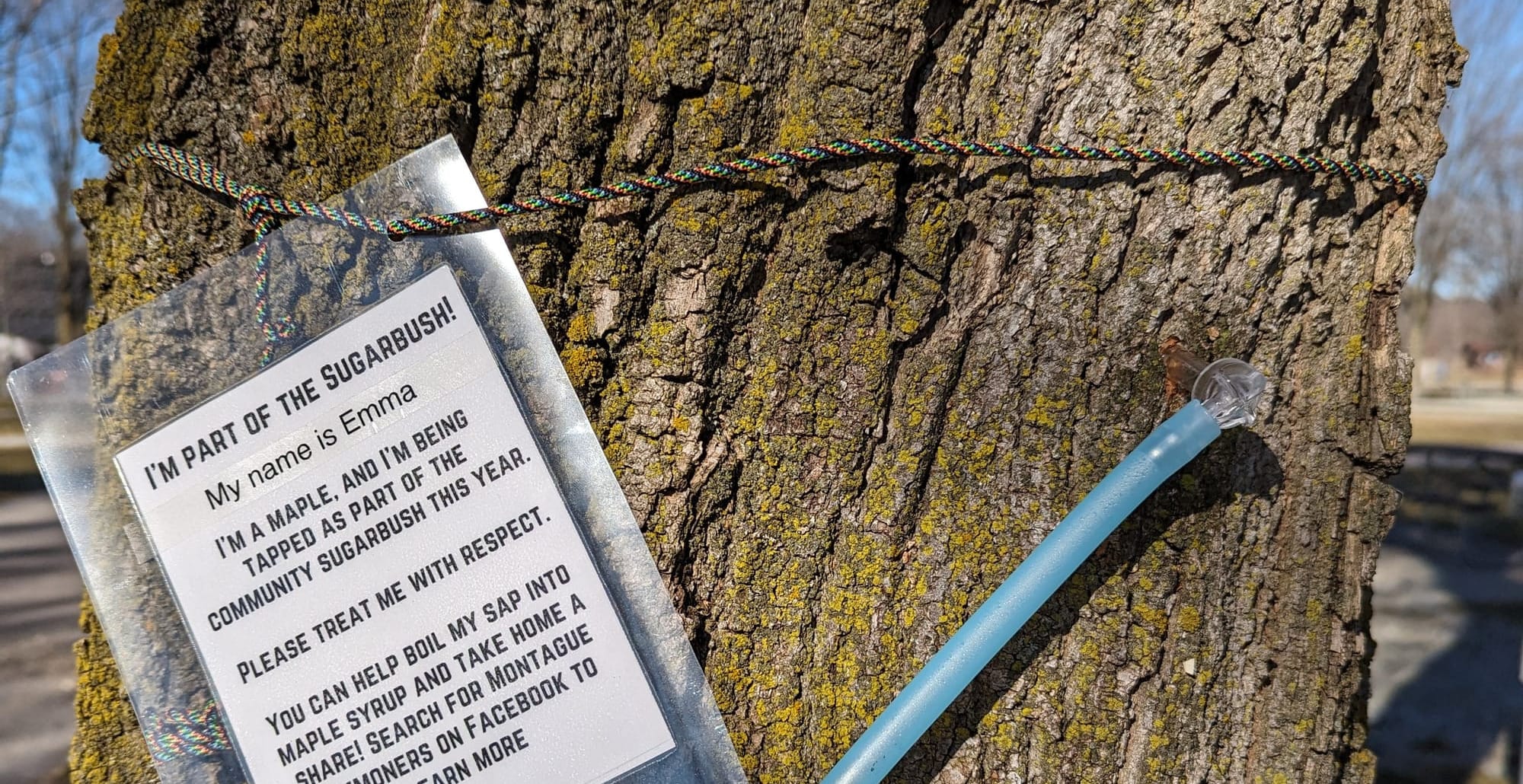
We're taking the year off from the Community Sugarbush, but that doesn't mean the trees aren't doing their thing! The weather is perfect for tapping right now, with daytime temps above freezing and nighttime temps below freezing. That combo means that the tree is pumping sap up into the branches and then back down to the roots every day, and that's what keeps taps flowing well. Nate and I aren't planning to boil this year, but we are planning to tap a single tree and get some sap for drinking straight and making tea with.
A fun story of the open web
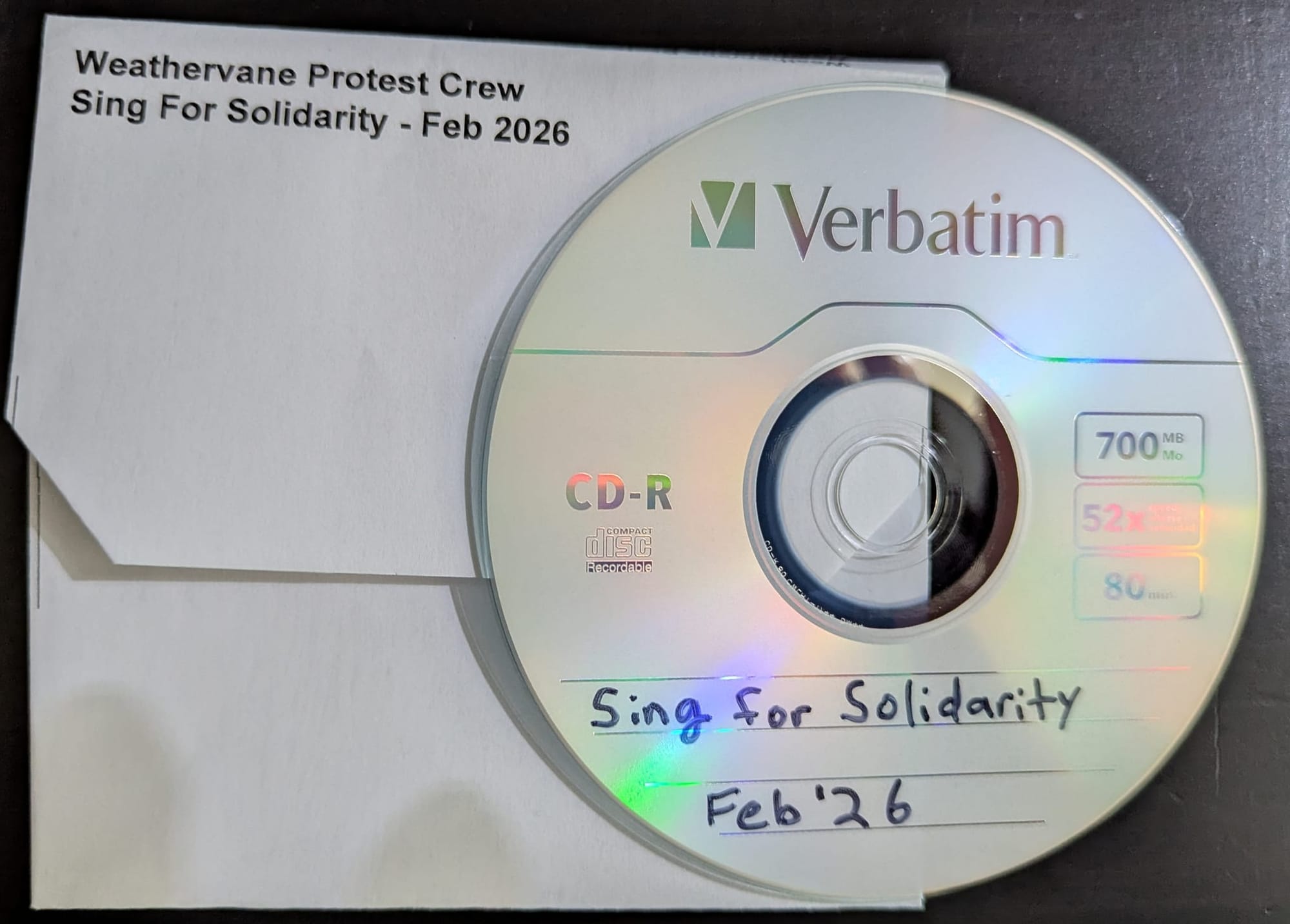
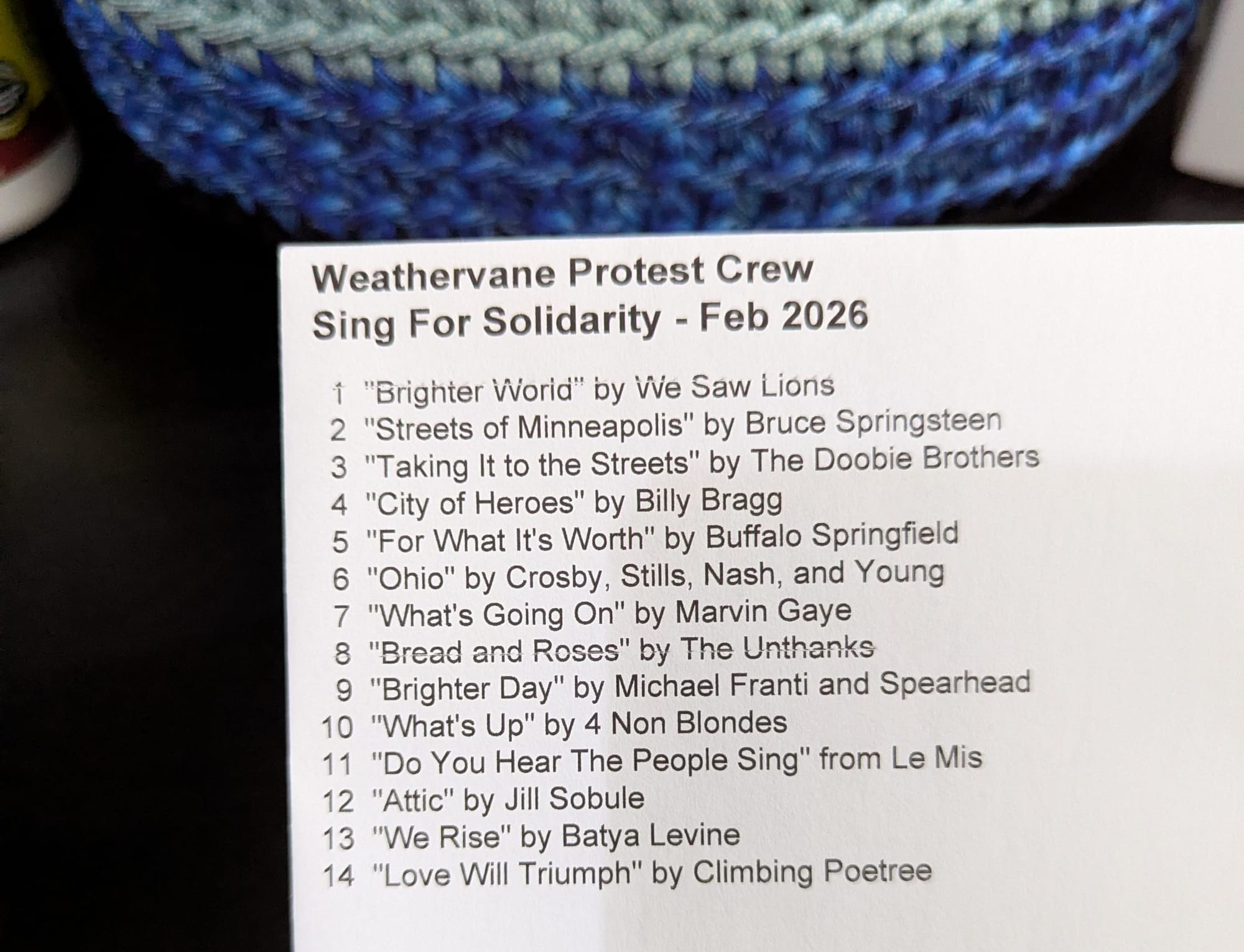
As a side project to stop myself from losing my mind while doing tax paperwork, I had the idea of putting the new protest playlist onto physical CDs that I could hand out on Fridays. I used to make a lot of mix CDs back in the pre-streaming era, and I remembered finding a website that would generate a PDF that you could print out and fold into quite a nice little paper case. But I didn't remember its name.
I spent about an hour trying different search terms in different search engines trying to find it. I'm usually pretty good at figuring out how to tailor my search terms until I get past the SEO spam and find what I'm looking for, but no matter what I tried, Bing and Google both just gave me garbage spam sites. I started worrying that the site I was looking for didn't exist anymore, if the search engines were returning generic spam in response to highly specific searches designed to flush out the right website.
Luckily, I'm a bit of a digital hoarder, and I realized that I still had the PDFs for some of my old mix CD envelopes from 2009. I opened those up, and they had the web address for the generator on them! It's still online and useable, and I was able to use it to make envelopes for the protest mix. If you want a copy of the protest mix in physical form, I'll be handing them out at the protest tomorrow (Weathervane, Fridays at noon every week.)
This is a story about search engine failure, but it's also a story about what's out there when you get beyond the fences that Big Tech puts up. This little template generator that a bunch of CS students at the University of Michigan threw online in 2006 is an absolute gem, and still very useful for anyone who regularly works with optical disks. There aren't any ads, you don't need to sign up for anything, and there isn't any tracking. You just fill in some fields, and it generates the PDF you need. It's the kind of practical, reliable tech you get when you give nerds the leisure to work on stuff that feels useful, instead of forcing them to work on flashy gimmicks to impress investors.
(I haven't been embittered and disillusioned by the direction tech has taken over the last 20 years, you've been embittered and disillusioned by the direction tech has taken over the last 20 years...)
There's a lot of insanely cool non-commercial projects out there, but the way they get censored overlooked by search engines and social media algorithms makes them hard to find if you don't already know where to look. One of the things on my giant pile of things to get to eventually is putting together a big list on our website of useful s--t Google won't tell you about 🤣 I strongly suspect that as the Big Tech internet gets drowned in AI slop and crypto scams, we're going to have to start building our own de-centralized, community-driven tech infrastructure if we want to maintain access to tech that actually works.
Speaking of which: Privacy Tools!
Last week, we went over some of the important concepts and considerations when in comes to digital privacy. This week we're going to go over some digital tools you can use to protect your privacy online.
Browsers
- I use Firefox, because it's the last remaining mainstream web browser that isn't built on Google's Chromium engine, and Google has been at war with ad-blocking tech for practically its entire history.
- Once you've installed Firefox, you're going to want to install a couple of browser extensions to improve your privacy:
- uBlock Origin is an ad blocker, but it also blocks malicious urls, and reduces the CPU and memory load webpages take up. I use this on both my desktop and my laptop, and I genuinely forget that YouTube normally has ads until I try to use it from my phone.
- Privacy Badger is an anti-tracking add-on designed to be as easy to use as possible. It blocks tracking cookies, url tracking, social media tracking widgets, and more. It's developed and maintained by the Electronic Frontier Foundation, a non-profit that's been doing good work on internet privacy for almost as long as there's been an internet.
- DuckDuckGo has a browser now, but from what I've been able to tell, the privacy community aren't big fans. It's built on Chromium, so it doesn't have effective ad-blocking, and it lets a lot of Google's tracking code through. It's still probably better than straight Google Chrome or Microsoft Edge, but you'll get better results with Firefox + uBlock Origin and Privacy Badger.
Password Managers
It's important not to use the same password for multiple websites, because if website A makes a mistake and leaks your password to hackers, and you use the same password for website B, the hackers can now get into your account at website B and potentially steal more info. Password managers help you generate different random passwords for every website you use, and then keep track of them all for you.
- I use ProtonPass, because I also use Proton for my email, VPN, cloud storage, and more. They were one of the first email providers to offer automatic end-to-end encryption between users, and they're generally well thought-of among privacy nerds. (If you sign up through this link and decide to upgrade to a pro plan, we both get $20 off our next bill.) Other options include:
- Dashlane - I used this one for years and was very happy with it. It's better at autofilling forms than Proton is, though it doesn't come with the suite of other software than Proton does.
- Bitwarden - This one is popular with the open source community, because it has a self-hostable fork called VaultWarden than you can run on your own hardware with no subscription or outside servers involved.
- 1Password and LastPass are also both popular options, but I don't know too much about them.
I didn't get to VPNs or self-hosted software this week, so we'll leave that for another day. If you want to know more now, come find me in person and I'll talk your ear off 🤣
This Week's Nails


You made it to the end of the newsletter, and that means you get to see this week's nails! I wanted something high-contrast and glittery this week, and I'm pretty happy with how it came out.
Enjoy the thaw while it lasts, take care of those outdoor projects you've been putting off, and I'll see you back here next week.